How to Tell If an Image Is AI-Generated: 8 Proven Methods
Practical methods to spot AI-generated images — from metadata fingerprints and sensor noise to lighting physics and text artifacts — plus a free instant detector.
 AI Picture Detector Team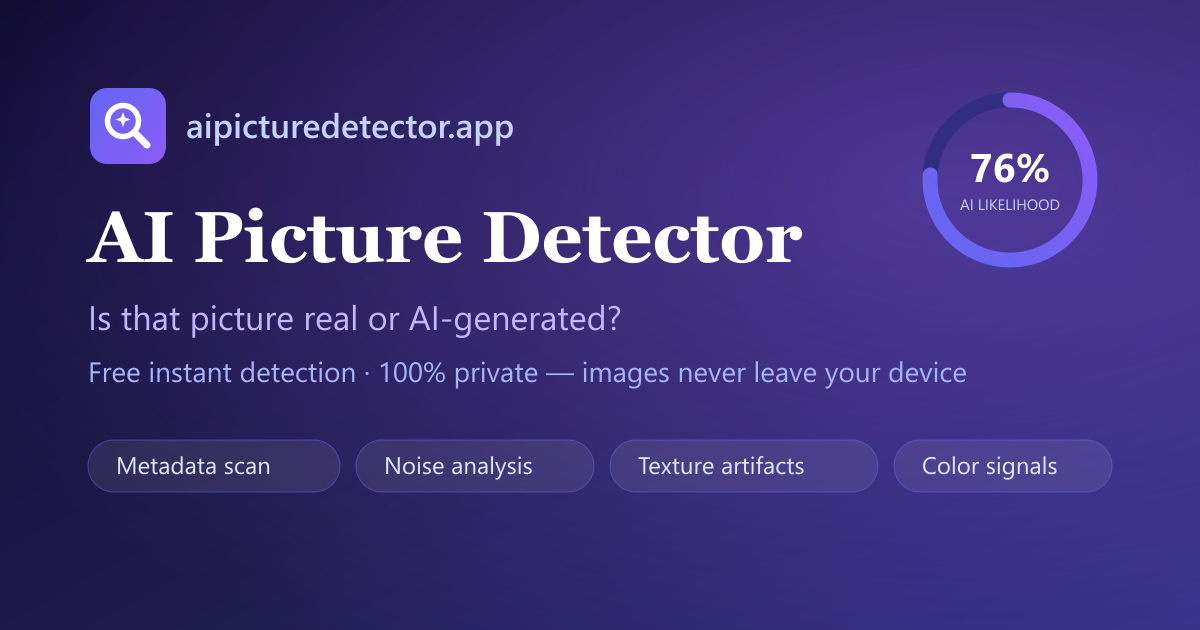
AI image generators have become remarkably good. Midjourney, DALL·E, Stable Diffusion and FLUX can now produce pictures that fool most people at first glance. But every generator still leaves evidence — you just need to know where to look. Here are eight methods that actually work, from five-second checks to forensic analysis.
1. Run it through an AI picture detector
The fastest method is our free AI picture detector. Drop the image in and you get a 0–100 AI-likelihood score with a breakdown of every signal — metadata fingerprints, sensor noise, texture and color statistics. Because the analysis runs in your browser, the image never leaves your device.
2. Check the metadata
Many generators sign their output. Stable Diffusion's popular A1111 and ComfyUI interfaces embed the full prompt and sampler settings in PNG text chunks. Midjourney and DALL·E write creator tags. Cameras do the opposite: a real photo usually carries EXIF data naming the camera (Canon, Nikon, iPhone). No metadata at all is also a clue — social platforms strip it, but so do people hiding a prompt.
3. Zoom into the textures
AI renders are often hyper-detailed in focal areas yet unnaturally smooth elsewhere. Zoom to 200% and inspect hair, fur, grass, fabric and skin pores. Real cameras record sensor noise everywhere; AI images frequently show "plastic" flat regions with zero noise.
4. Look at hands, teeth and ears
The classic tells still apply, especially on older outputs: fused fingers, extra knuckles, asymmetric earrings, teeth that merge into a single white bar. Newer models handle hands better, but ears and jewelry remain weak spots.
5. Read the text in the image
Diffusion models still struggle with text. Signs, labels, book spines and clothing logos often contain gibberish characters, warped letters or inconsistent fonts. Real photos render text sharply and correctly because the text physically existed.
6. Check the lighting and shadows
AI images often violate physics in subtle ways: shadows pointing in different directions, reflections that don't match the scene, catchlights in the eyes that disagree with the visible light sources, and glass or water that distorts nothing.
7. Reverse-search the image
A quick reverse image search tells you where else a picture appears. A "photo" of a newsworthy event that exists nowhere else — or only on AI-art galleries — deserves suspicion. Established photos usually have a traceable history.
8. Consider the source and context
No single signal is proof. A heavily compressed real photo can look "AI-ish", and a post-processed AI image can hide its traces. The strongest conclusions come from combining signals: metadata, pixel statistics, physics checks and source verification.
The bottom line
Spotting AI images is a skill of layers: start with an automated scan, then verify manually. Try the AI picture detector on a few known real and AI images to calibrate your eye — the per-signal breakdown shows you exactly what to look for.